
All Cursor Packs
Browse our full collection of custom cursors. Find your next favorite style and install it for free.
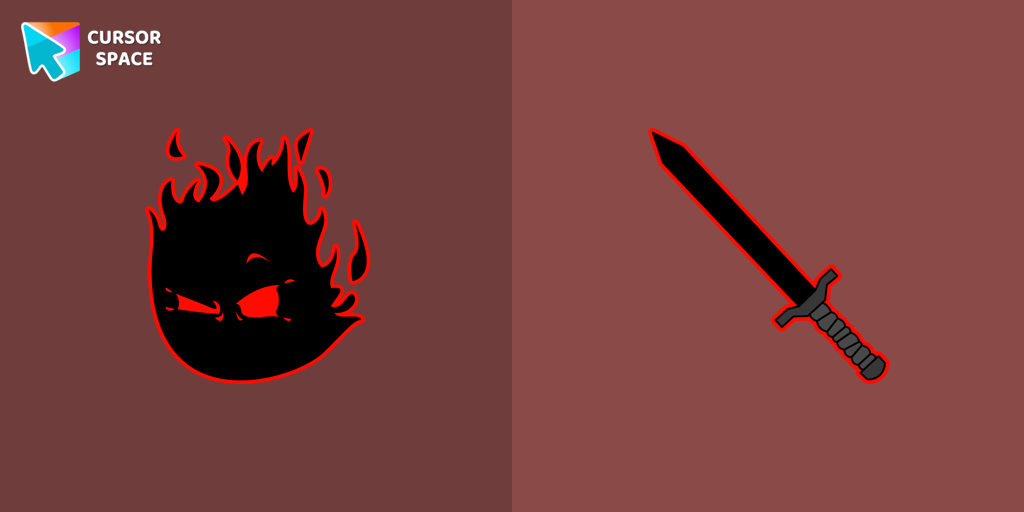 The Auditor cursorThe Auditor custom cursor for the mouse is a pretty character in The Wishes cursor collection for Chrome.
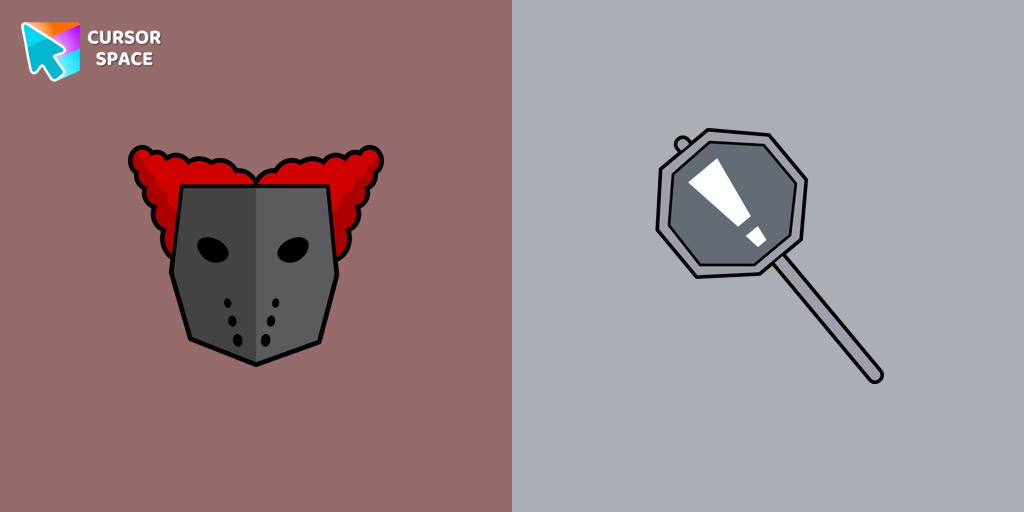 Tricky the Clown cursorTricky the Clown custom cursor for mouse and custom hover pointer with the character's weapon in The Wishes collection of custom cursors.
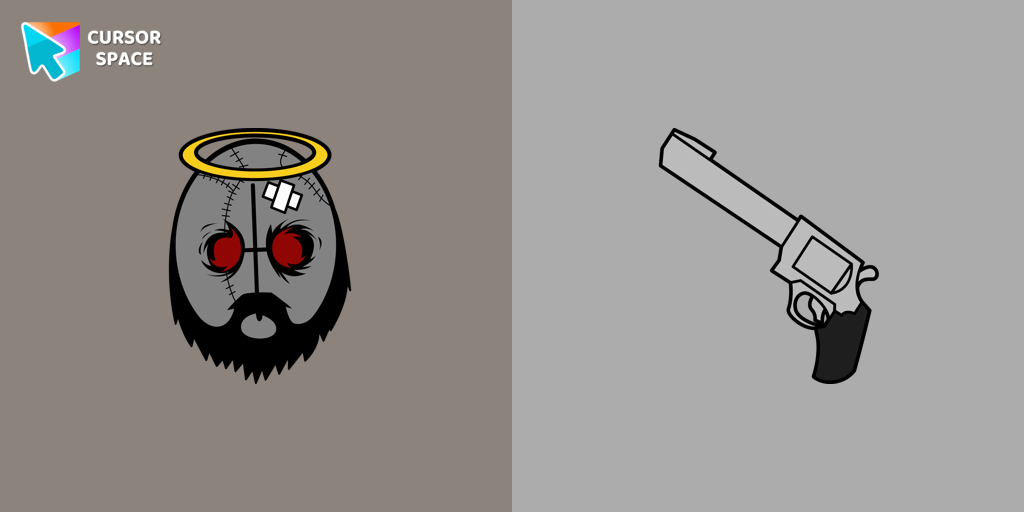 Jebus cursorJebus custom cursor from our The Wishes cursors collection for mouse and pointer.
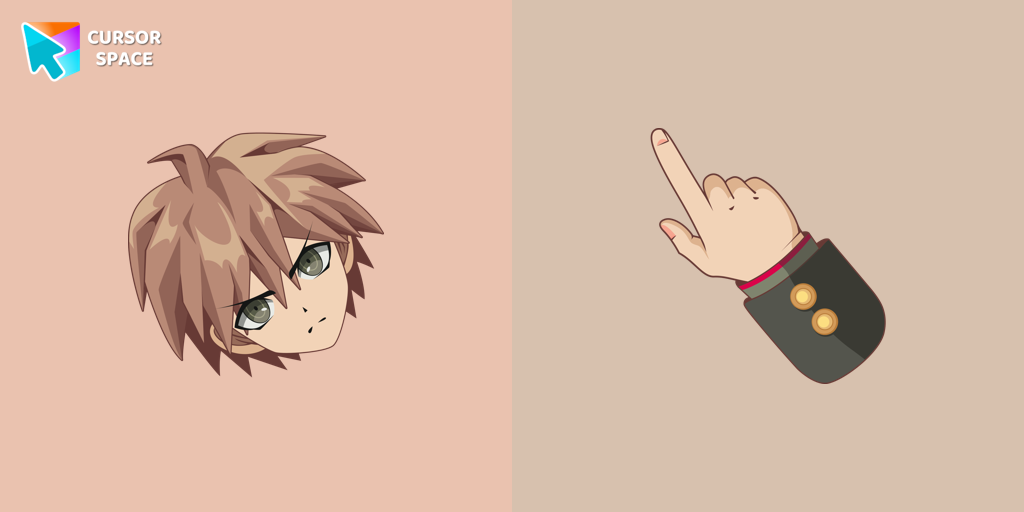 Makoto Naegi cursorEnhance your browsing with Makoto Naegi, the Ultimate Lucky Student, by using our custom cursor. Swap your default cursor for Makoto Naegi's image for a unique touch.
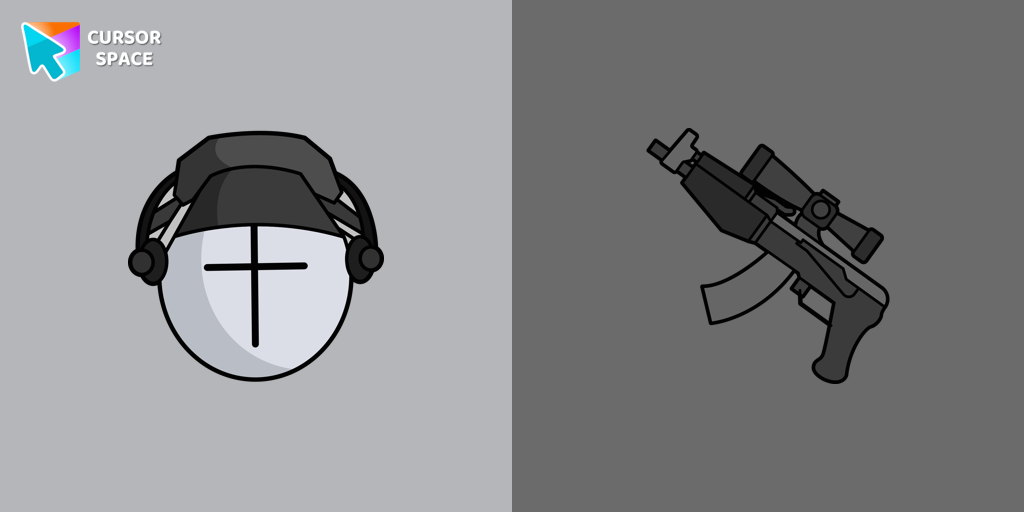 Deimos cursorAdd Deimos custom cursor in our unique The Wishes collection of custom cursors for the browser.
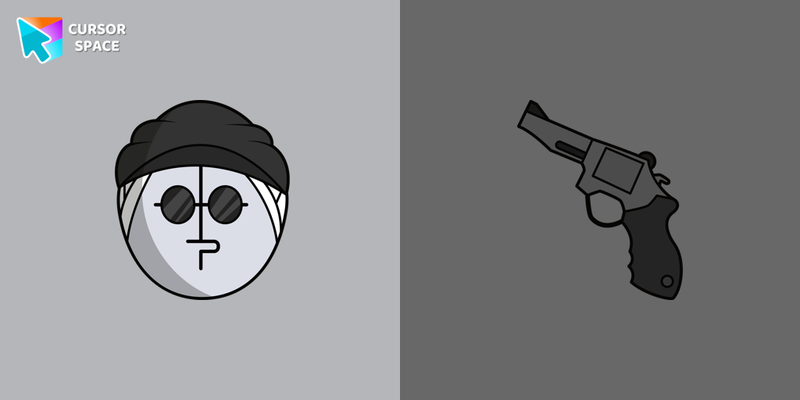 Sanford cursorSanford from Madness Combat custom cursor for a mouse is good fan art to decorate your browsing.
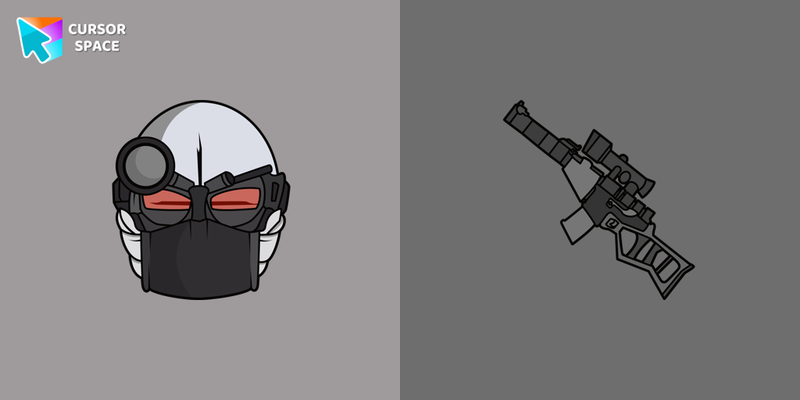 2BDamned cursor2BDamned as a custom cursor for the mouse and character weapon pointer will look pretty nice on your screen.
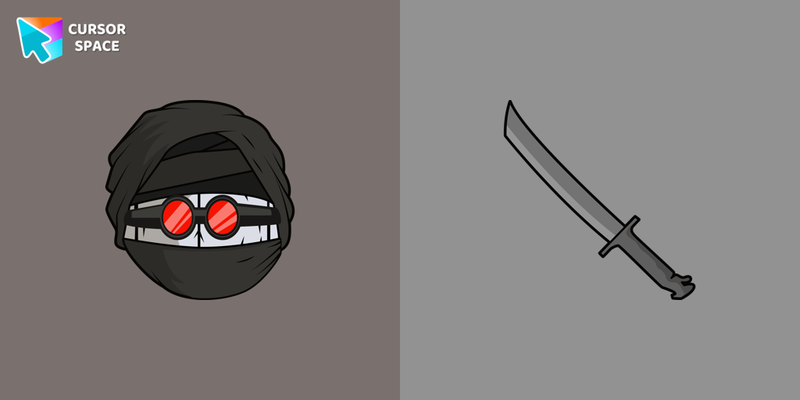 Hank J. Wimbleton cursorMeet a custom cursor with Hank J. Wimbleton in our unique The Wishes custom cursors collection for Chrome.
 Gacha Life Ezra cursorPersonalize your browsing with Gacha Life's Ezra custom cursor, blending game love and style seamlessly.
 Champ Bear cursorEmbrace the Champion Spirit with the Champ Bear Custom Cursor
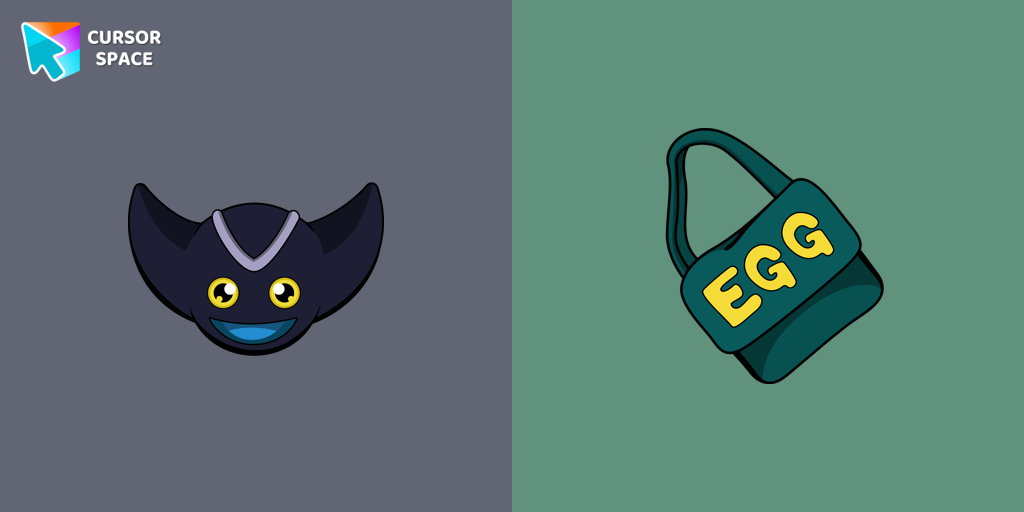 Bokkun cursorAdd Bokkun cursor in the Sonic the Hedgehog collection of custom cursors with characters for the browser.
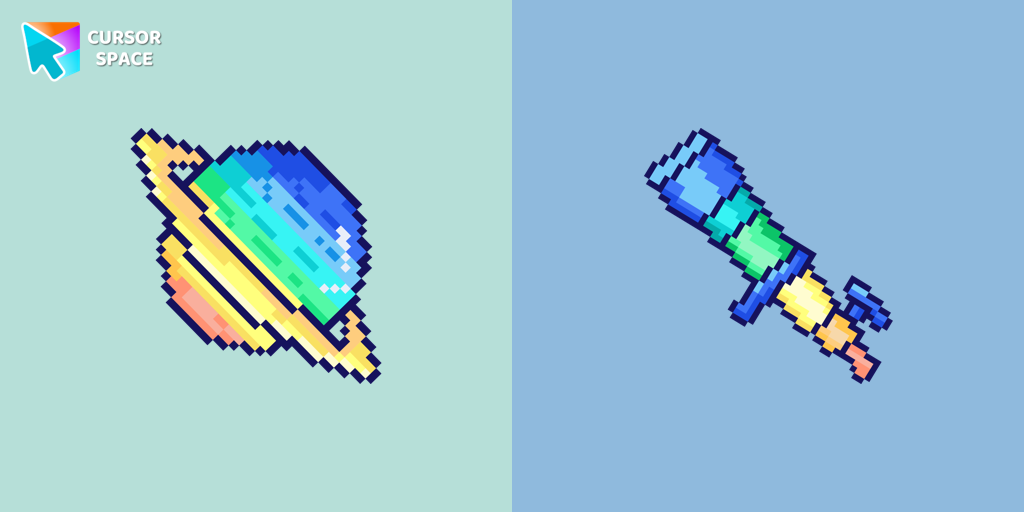 Saturn Pixel cursorSaturn Pixel custom cursor from our Cute Pixel cursors collection for mouse and pointer.
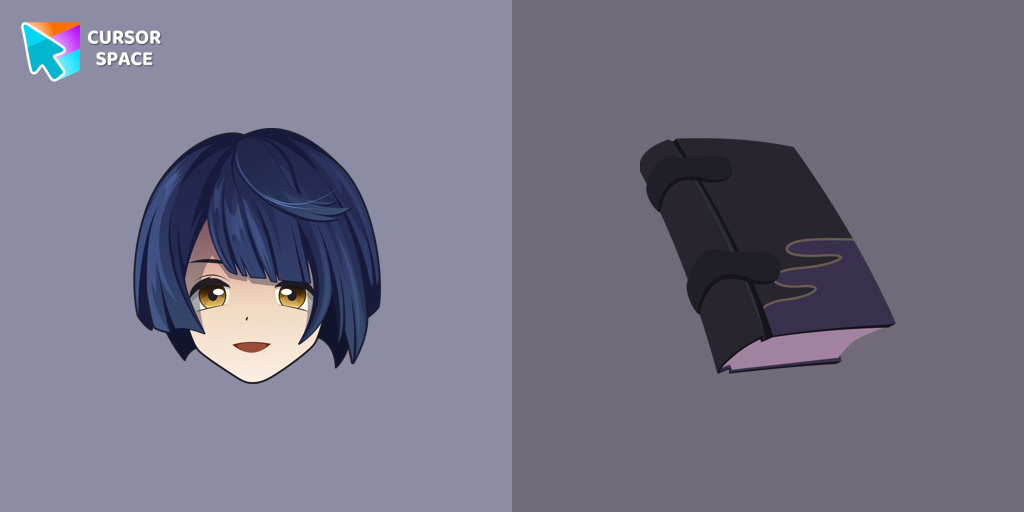 Xingqiu cursorXingqiu custom cursor for Google Chrome is perfect for Genshin Impact fans. Enhance your browsing with this well-designed cursor and enjoy a unique experience.
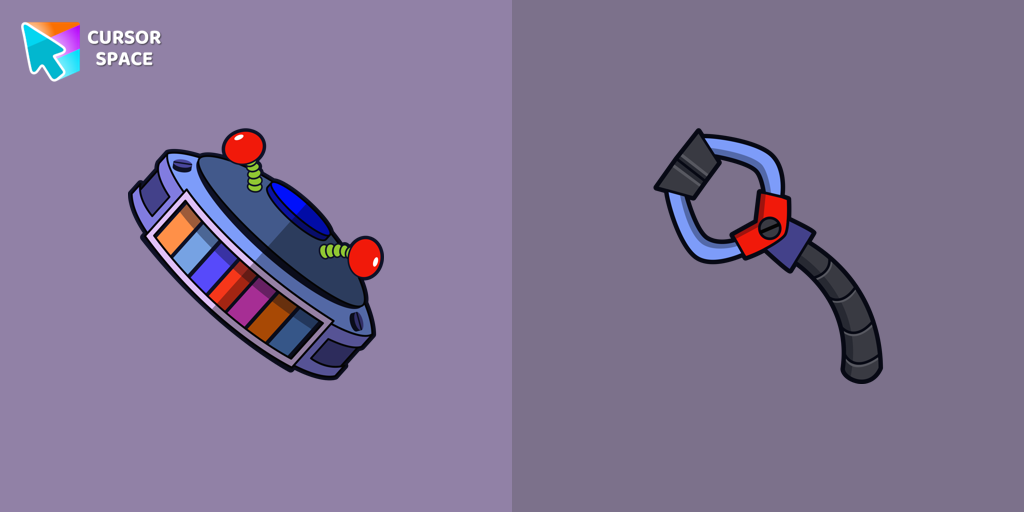 Candy Cadet cursorCandy Cadet custom cursor from our Five Nights at Freddy's cursors collection for mouse and pointer.
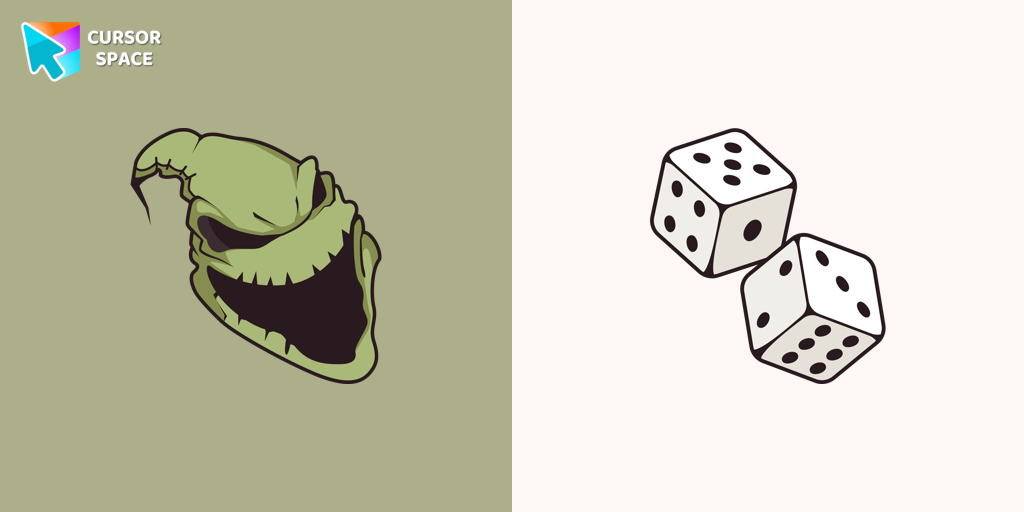 Boogeyman cursorBoogeyman custom cursor for mouse and pointer is perfect for getting into the holiday spirit on Halloween.
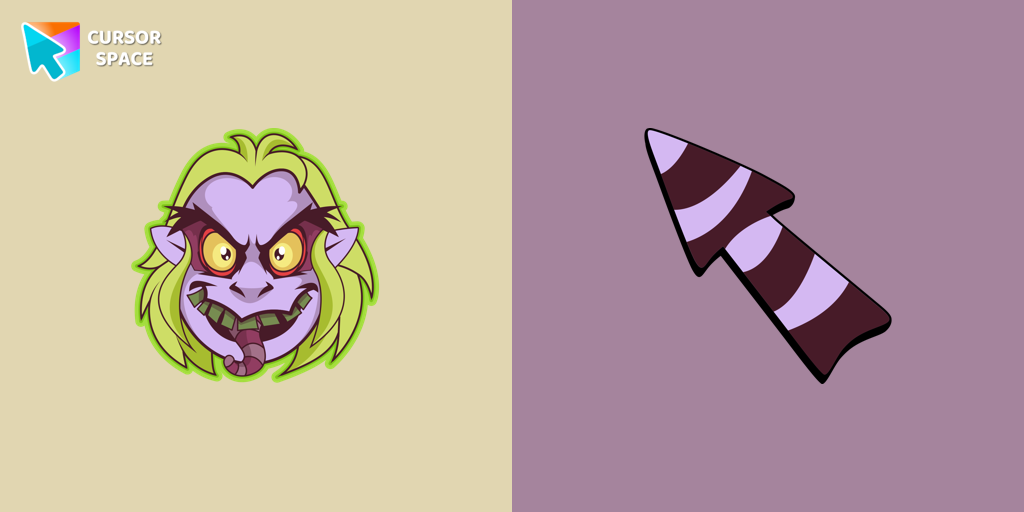 Beetlejuice cursorWelcome to our Halloween custom cursors collection for Chrome where you will find a custom cursor with Beetlejuice.
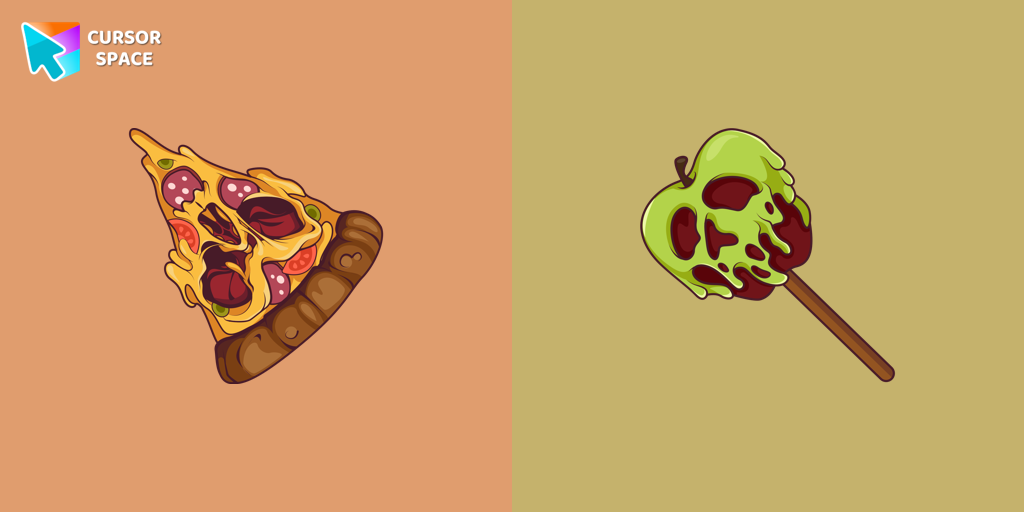 Pizza Monster cursorDon't forget to decorate your interface with a Pizza Monster custom cursor from our Halloween custom cursors collection.
 Angry Skull cursorAngry Skull cursor for a mouse is a good Halloween art to decorate your browsing.
 Friendly Skull cursorOur Friendly Skull custom Cursor from our Halloween custom cursors collection for Chrome will help you with this.
 Skull with Bow cursorCelebrate it with our Skull with Bow custom cursor for mouse and pointer which has an incredible, cool design.
Explore cursor packs by style
Cursor Space packs include curated cursor sets for everyday browsing: cute, minimal, anime, neon, pixel art, and more. Each pack comes with multiple cursor states (like default and pointer) and can be added to your browser in seconds.
Trending now
Fresh picks based on what people install most often.
Collections
Browse themed sets grouped by vibe and aesthetic.
Top charts
See weekly, monthly, and all-time leaders.
How to install a cursor pack
- Open any pack from the grid above.
- Click the install / add button on the pack page.
- If you don’t have it yet, install the Cursor Space browser extension.
- Apply the pack in the extension and enjoy your new cursor.
FAQ
Quick answers to common questions about cursor packs, collections, and installation.
Are cursor packs free on Cursor Space?
Most cursor packs on Cursor Space are free to browse and install. Some packs may be marked premium depending on licensing. The Cursor Space browser extension is free to install from the Chrome Web Store.
Do cursor packs work on Chrome and Edge?
Yes. Install the Cursor Space extension for Chromium-based browsers (Chrome, Edge, Brave), open a pack page, and click install/apply. The extension applies the cursor set across your browser.
How do I install a custom cursor pack?
Open the pack page, click the install or add button, install the Cursor Space extension if prompted, then apply the pack from the extension popup. Your new cursor appears immediately.
Can I change or remove a custom cursor later?
Yes. Open the Cursor Space extension, choose another pack, or restore the default system cursor from the extension settings.
Is the Cursor Space extension safe?
Cursor Space is distributed via the Chrome Web Store and Edge Add-ons. Keep the extension updated, and only install packs from trusted catalog pages on this site.